How I use AI in my work
I decide what gets done, Claude does the heavy work, and I check every claim before it goes out.
Six jobs, and the tool for each
Find out why a page underperforms
A diagnosis before any writing starts: a content gap, a weak title, or two pages competing for one search.
Choose what to write
A shortlist ranked by who is searching and whether the topic fits the product.
Check what a product really does
Two lists: the claims the code backs up, and the claims it doesn’t.
Research the search results
What the ranking pages cover, and what they all miss.
Build the draft in WordPress
A finished draft in the editor, with the live page untouched.
Build and test tools
The schema plugin on this site, installed and tested in a throwaway WordPress site before release.
Nothing moves forward on a guess
Every claim in a draft is checked against a primary source. If I can’t verify it, it gets flagged or cut, never smoothed over.
Nothing reaches WordPress until every claim is verified.
Nothing goes live without my own read and approval.
I wrote it down as a 12-step process with these two checkpoints.
Every headline also passes three tests: can you picture it, could it be proven wrong, and could a competitor paste it in unchanged?
Where it has held up
I have used this process on more than ten researched blog posts, alongside my regular work.
The checks are what let me do that without publishing things I couldn’t stand behind.
What I’ve built with it
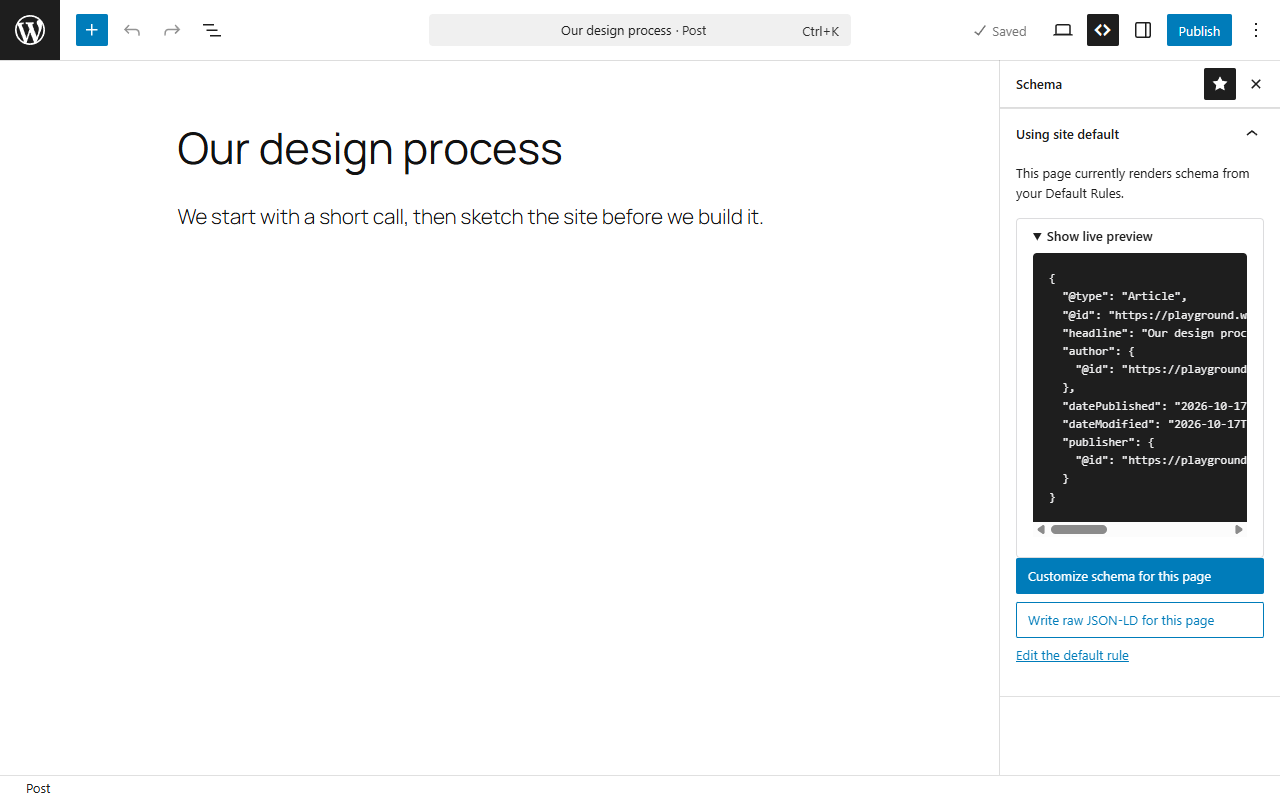
Schema Plugin
A WordPress plugin that does only schema. I built it with Claude Code and tested it in a throwaway WordPress install before release.
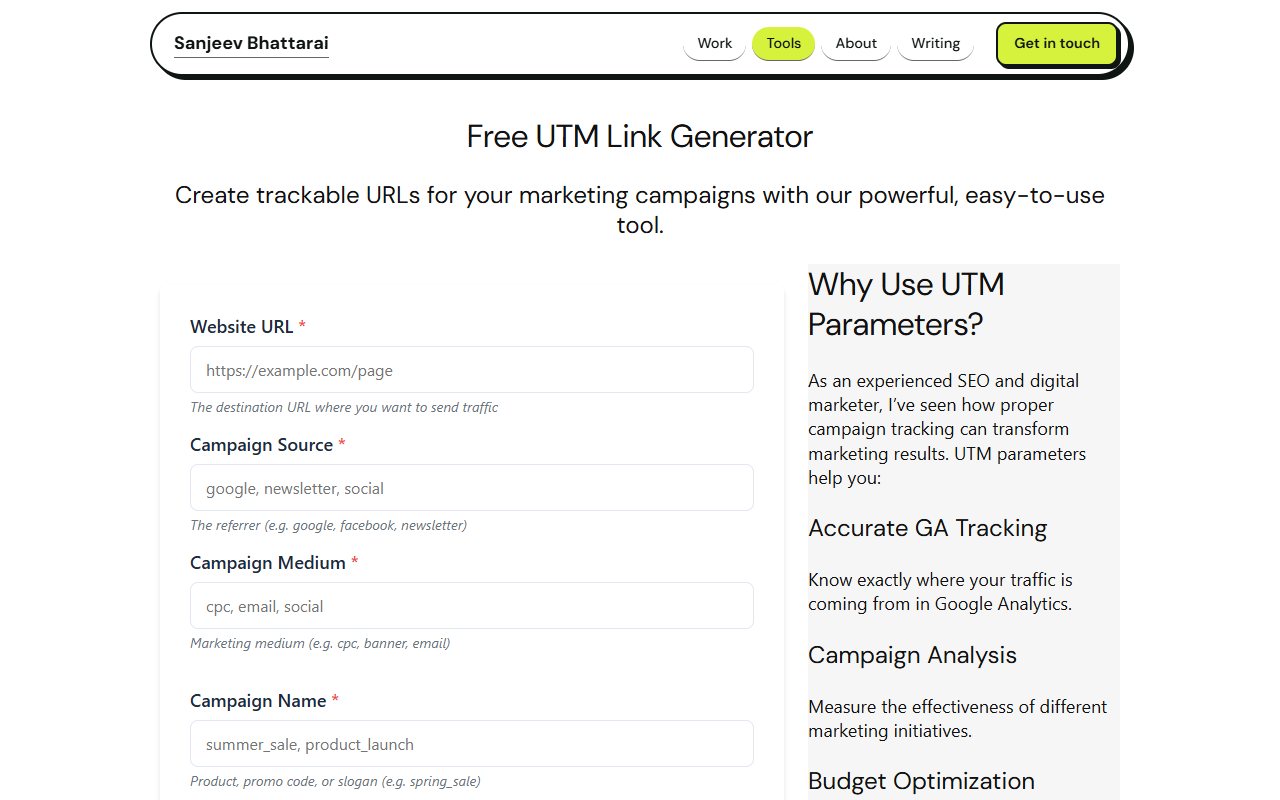
UTM builder
Builds tagged campaign links from your page URL and campaign details, and keeps any query string already on the link.
A written workflow for blog posts
Twelve steps from diagnosis to post-publish audit, with the two checkpoints above. Built and refined with Claude.
Where it falls short, and what I do
So I check every claim against a source.
So I rewrite anything that sounds like everyone else.
So I point it at the source code and the docs.
I’ve seen it repeat a method Google retired years ago, so I check current documentation.
AI answers quote pages they can read and trust
AI answers now sit between the search and the click, and they draw from pages they can read and trust. That puts more weight on the technical basics: pages that load without JavaScript, crawlers that aren’t blocked, and one clear identity for the site in structured data.
Want to see the work?
Read how I fix things, or tell me what you’re working on.